SplashLearn: Kids Learning App
- 4.6
- Rating
- 1.00M
- Installs
- Free
- Price

 Analysis by App-foxy
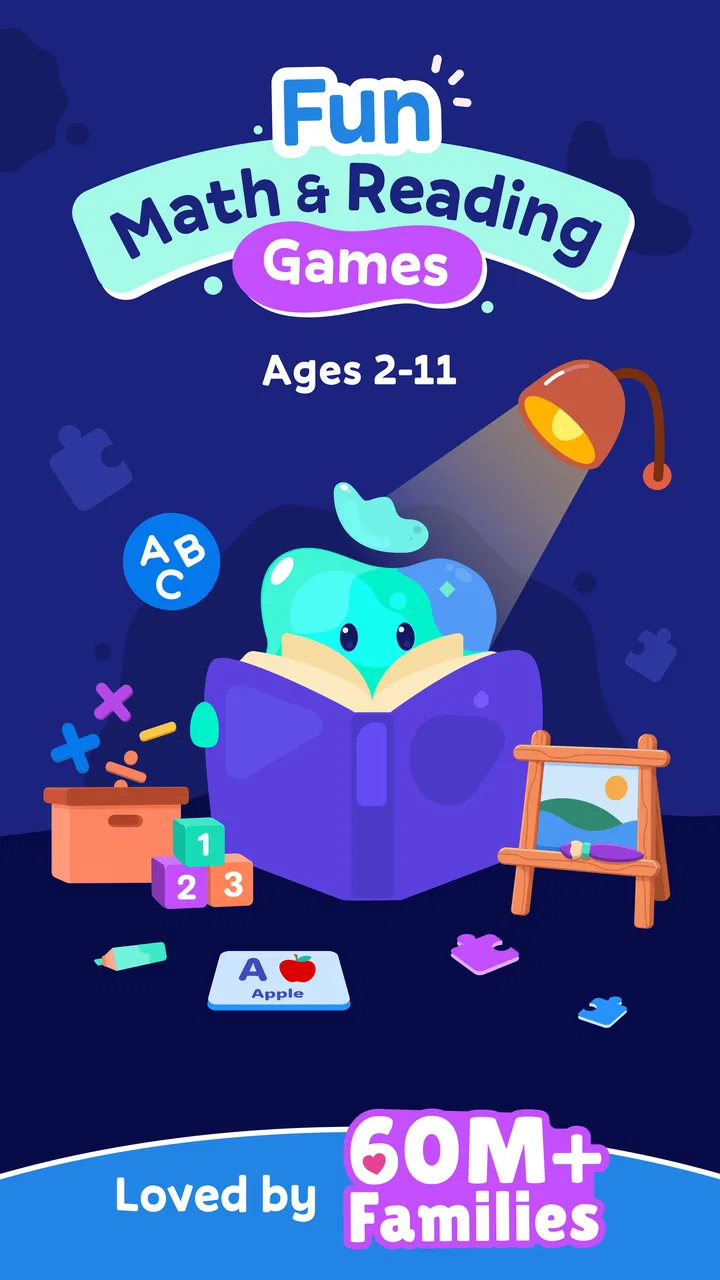
When I first opened SplashLearn: Kids Learning App, I understood its main appeal quickly: it turns early school practice into short, colorful activities that feel less like a worksheet and more like something a child chooses to explore. That matters during the first week, when a learning app has to overcome the usual resistance to reading or math practice. I found it especially suitable for children in preschool through fifth grade, with enough range to support a family whose children are at different stages.
This is an education app from StudyPad, Inc., available for free with optional in-app purchases ranging from $7.99 to $144.00 per item. It is rated for Everyone, works on devices running Android 8.0 or later, and its current version is 7.2.6. Its broad school-age coverage is useful, but it also creates an important question: will the app remain helpful once the novelty of animated exercises wears off? My answer is yes for some families, though not automatically. Its lasting value depends on how deliberately an adult uses it.
From an exciting first week to a useful routine
The first few sessions are where SplashLearn makes its strongest impression. Children are usually more willing to attempt a task when the screen responds immediately and the activity has a clear goal. Instead of presenting learning as one long lesson, the app breaks practice into manageable moments. That makes it easier to suggest “let’s do a little math” than to ask a young child to complete a traditional page of exercises.
You May Also Like

 Blood Strike: 2.5 Anniversary
Blood Strike’s Loadouts Turn Every Drop Into a Tactical Gamble
A close look at Blood Strike’s custom loadouts: how fast access to signature weapons reshapes its battle royale rhythm, rewards preparation, and narrows the gap between fights.

 Pandora - Music & Podcasts
Pandora’s Music Is Easy to Start, but Harder to Recover
Pandora’s strength is its low-effort path from a seed to a station. Its weak spot is how much confidence it asks you to place in connection, setup, and quiet recovery.

 8 Ball Pool
 Is Built on Rivalries, Rematches, and Routine
A close look at the rivalries, rematches, shared routines, and unanswered safety questions that turn a quick pool match into a persistent mobile community.

 Samsung Music
’s Quiet Strength Is Playing What You Already Own
Its reach comes less from spectacle than from dependable access to a personal library. That simplicity is both the app’s strongest retention engine and its ceiling.

 AccuWeather: Weather Radar
AccuWeather Review: A Quick, Clear Forecast for Everyday Decisions
For everyday plans, the best forecast is the one you can understand quickly. AccuWeather makes rain timing, radar, and local conditions easy to act on, with a few trade-offs.

 Hill Climb Racing
Why Hill Climb Racing Still Turns Crashes Into One More Run
A tiny car, a bumpy hill and one more upgrade: Hill Climb Racing keeps resurfacing because its simple chaos makes every near-miss feel personal.
More From Our News Desk



I also like the way the app can fit into different parts of a day. A parent might use it after breakfast, a teacher could introduce it during a quiet classroom period, or a child could complete a short activity while waiting for an appointment. The important point is not to treat it as an all-purpose babysitter. The strongest results come when the adult already knows what the child needs to practice and uses the app as a focused supplement.
For a preschool learner, the attraction is often the combination of simple instructions, visual feedback, and repetition. For an older elementary student, the value is more likely to come from having practice available without preparing worksheets. I would not expect the same activity style to suit every age equally well, but the preschool-to-fifth-grade span gives families room to keep using the same general platform as children progress.
A realistic weekday example would be a child who struggles with basic addition after school. Instead of opening the app and allowing random tapping, I would set a small goal: complete one focused math session, then explain one problem aloud without looking at the answer. That second step is important. The app can provide practice and feedback, but the conversation afterward reveals whether the child understood the idea or simply learned to recognize the right visual choice.
Reading activities benefit from the same approach. I would use the app for a short practice period, then ask the child to read a sentence from a book or identify a word in a familiar story. This creates a bridge between screen practice and ordinary reading. Without that bridge, a child may become good at navigating the app while making less progress in real-world reading.
The app’s average rating is 4.5 from around 2.9 thousand ratings, and it has more than one million installs. Those figures suggest that many families find the format approachable, but they do not guarantee a match for every learner. A child who enjoys immediate rewards may engage quickly; a child who dislikes colorful digital activities may still prefer a parent, teacher, or printed materials.
What makes the early experience work
The best first-week habit is to keep sessions predictable rather than long. I would choose a regular time, sit nearby for the first few uses, and watch for the point where attention drops. Ending while the child is still comfortable is more valuable than forcing completion. That approach also helps an adult identify whether the difficulty is academic, technical, or simply a dislike of the activity style.
Another useful tactic is to alternate subjects instead of repeating one type of exercise every day. A child who becomes frustrated with math may respond better after a reading activity, while a confident reader may need a more carefully paced math session. SplashLearn is most convincing when it becomes one part of a varied routine rather than the entire routine.
I would also avoid presenting it as a reward for finishing every other responsibility. If the app is always treated as entertainment, learning can become secondary. If it is always presented as extra work, enthusiasm may disappear. A calm explanation works better: this is a short practice tool, and afterward the child returns to play, reading, conversation, or another activity.
What remains valuable after the novelty fades
The real test for any children’s learning app is not whether it holds attention on day one. It is whether it still earns a place a month later, when the animations and newness no longer feel special. In my view, SplashLearn has recurring value because its purpose is practical: it gives families a ready-made way to revisit math and reading without building every exercise themselves.
That convenience is particularly useful when a child needs repetition. Some concepts cannot be mastered after one explanation, and children often need several low-pressure attempts before they feel confident. A digital activity can make those attempts less intimidating than a marked worksheet. It also gives a parent a simple starting point for discussion: “Which part felt easy?” or “Show me how you worked that out.”
Still, repetition can become mechanical. If a child completes activities only to reach the next reward or finish a session, the app may create the appearance of progress without much transfer. I would periodically pause the routine and test the same skill away from the screen. Ask for mental math during shopping, invite the child to read a menu, or use household objects to demonstrate a number idea. These small checks are a more reliable measure of lasting learning than app completion alone.
For families with more than one child, the broad grade range is a practical advantage. One child can work on early reading while another practices elementary math, allowing the app to serve as a shared household resource. The trade-off is that parents need to pay attention to each child’s level. A single family routine can be convenient, but identical expectations are unlikely to be appropriate for a preschooler and a fifth-grade learner.
The developer, StudyPad, Inc., has positioned the product around a wide educational span rather than a narrow single-skill tool. That makes SplashLearn more flexible than an app designed only for alphabet recognition or basic counting. On the other hand, a specialized app or a teacher-created exercise may be better when a child has one precise difficulty that needs intensive attention.
How it compares with familiar alternatives
Compared with printed worksheets, the app is easier to start and usually more inviting for children who resist paper practice. It can also reduce preparation time for adults. Worksheets remain better for handwriting, drawing, showing work, and seeing the child’s full reasoning on one page. I would use SplashLearn for quick guided practice and paper or pencil for skills that depend on writing and visible working.
Compared with a general video platform, SplashLearn is more directly connected to learning tasks. A video may explain a concept clearly, but it can encourage passive watching. An interactive activity asks the child to respond. The limitation is that an app cannot easily replace the flexibility of a live adult who can rephrase an explanation, notice confusion, or change the lesson immediately.
Compared with a dedicated tutoring session, SplashLearn is obviously more convenient and less demanding on a family schedule, but it is also less personal. A tutor can identify a misconception that an automated activity may not expose. I see the app as a useful practice layer, not as a substitute for individual instruction when a child is falling significantly behind or needs emotional encouragement.
Compared with free educational printables, the main advantage is consistency. The app is already organized into an interactive environment, while free materials require a parent to search, print, explain, and check them. The disadvantage is that digital practice can become repetitive and screen-dependent. Families that already have a strong collection of books, games, and teacher guidance may gain less from adding another screen-based option.
The maintenance work parents should expect
SplashLearn is easy to begin, but maintaining its usefulness requires more than handing over a device. I would review the child’s activity choices regularly and remove the guesswork from the routine. If the child keeps selecting only comfortable tasks, the experience may feel successful while avoiding the areas that need attention. Gentle direction is necessary, especially for younger users.
Adults should also watch for signs that a session has become too long or too automatic. Repeated guessing, rushing through instructions, asking for help without reading, or becoming upset after mistakes are all reasons to stop and reset. The app may be designed for independent engagement, but independence should grow gradually. A nearby adult can help the child slow down without turning every session into a test.
The free entry point makes it reasonable to try the app before deciding whether it belongs in a regular routine. However, families should examine the purchase choices carefully before committing. The presence of optional purchases means the free experience should be judged on its own usefulness, while any paid decision should be based on a child’s sustained need rather than the excitement of the first few sessions.
I would also plan for device maintenance in the ordinary sense: keeping the operating system compatible, ensuring the child has a comfortable place to work, and making sure the session does not interrupt sleep, meals, or outdoor play. These details sound simple, but they determine whether an educational app becomes a calm habit or another source of family arguments.
Where fatigue begins
The biggest risk is repetition without reflection. Children can enjoy a familiar format for a while, but even a well-made activity loses power when it is used too often or without variation. If the app is opened every day for the same reason, the child may begin to treat it as a chore. Alternating it with books, conversation, physical manipulatives, and teacher assignments helps protect its usefulness.
Another source of fatigue is a mismatch between the child’s ability and the activity level. Tasks that are too easy may encourage rapid clicking, while tasks that are too difficult can make the child dependent on guessing or adult rescue. I would pay attention to behavior rather than assuming that a completed activity was appropriately challenging. A quiet child who finishes quickly may be bored, not advanced.
Screen fatigue is also real, particularly when the app is added after a full day of online school or entertainment. In that situation, a printed math game or shared reading may be the better choice. SplashLearn should not be protected from comparison simply because it is educational. The question is whether the child is alert enough to learn through a screen at that moment.
Parents may also feel fatigue if they expect the app to manage the entire learning plan. It cannot decide which school concept matters most for a particular child, explain every mistake in a personal way, or replace encouragement. Its value increases when the adult uses it selectively and decreases when it becomes a default response to every academic concern.
Who should keep using it
I would recommend SplashLearn to families looking for a structured way to add short math and reading practice to a child’s week, especially when the child responds well to interactive activities. It is a sensible option for parents who want something more engaging than worksheets but more purposeful than unrestricted screen entertainment.
It is also a good fit for households that need flexibility across preschool and elementary-school ages. The broad coverage can make it easier to keep one learning app available as children develop. Teachers and caregivers may appreciate having a ready activity for quiet practice, provided they still connect the digital work with discussion and hands-on learning.
I would be more cautious for children who already spend much of the day on screens, who need intensive one-to-one support, or who learn best through physical materials and conversation. In those cases, SplashLearn may be a small supplement rather than the central tool. Families that strongly prefer a completely offline routine should skip it, and families seeking advanced subject depth should look for more specialized resources.
After the first month, I would make a simple decision: keep it only if the child is practicing a meaningful skill, showing better understanding away from the app, and approaching sessions without constant conflict. If those signs are missing, changing the routine is more sensible than assuming more screen time will solve the problem.
My long-term verdict
SplashLearn earns lasting space when it is treated as a flexible practice companion, not as a complete education system. Its strongest qualities are the low barrier to starting, the child-friendly approach to math and reading, and the ability to serve learners from preschool through fifth grade. The free access makes trying it straightforward, while the optional purchases require a thoughtful decision once the initial appeal has passed.
My honest recommendation is to build a small, varied habit around it: short sessions, adult check-ins, occasional offline follow-up, and regular changes when a child becomes bored or frustrated. That method preserves the app’s usefulness far better than leaving a child to repeat activities indefinitely.
With an Everyone rating and a current version of 7.2.6, it is accessible to a wide range of families using compatible devices. But accessibility is not the same as suitability. I would choose it for convenient, recurring practice and avoid relying on it for diagnosis, tutoring, handwriting development, or deep personal instruction.
In the end, SplashLearn is worth keeping when it supports a real learning routine rather than replacing one. I would recommend giving it a fair trial, observing what the child can do beyond the screen, and continuing only if the app remains useful after the novelty fades. That is where its value becomes clear: not in one exciting session, but in whether it helps a family maintain steady, manageable practice over time.
FAQs for SplashLearn: Kids Learning App
01What age group is SplashLearn suitable for?
SplashLearn is designed for children aged 3 to 11 years old. The app offers a wide range of lessons and activities tailored to different age groups, ensuring that each child receives age-appropriate educational content that enhances their learning experience while keeping them engaged and entertained.
02Is SplashLearn available for both Android and iOS devices?
Yes, SplashLearn is available on both Android and iOS platforms. Users can download the app from the Google Play Store for Android devices and the App Store for iOS devices, ensuring accessibility for a wide range of smartphones and tablets.
03Does SplashLearn require an internet connection to use?
While SplashLearn offers offline access to some of its features, an internet connection is recommended for a full experience. This allows users to access the latest content updates, track progress, and receive personalized recommendations based on the child's learning journey.
04Are there in-app purchases or subscription fees associated with SplashLearn?
SplashLearn offers both free and paid content. While users can access basic features for free, there is a subscription model that unlocks additional content and features. This allows parents to choose the best plan that fits their child's educational needs and their budget.
05How does SplashLearn ensure the safety and privacy of its young users?
SplashLearn complies with COPPA (Children's Online Privacy Protection Act) guidelines to ensure the safety and privacy of its young users. The app collects minimal personal information and implements strict data security measures. Parents can rest assured that their child’s information is protected.
Pros
- Engaging
- interactive learning games.
- Covers a wide range of subjects.
- Adaptive difficulty levels.
- Kid-friendly interface and design.
- Regular updates with new content.
Cons
- Requires subscription for full access.
- Limited offline functionality.
- Some features may have bugs.
- Ads in the free version.
- In-app purchases can add up.

SplashLearn: Kids Learning App
Gallery